
If you have forgotten your password on SMS.to, you can re-set it by following the below steps:
1- Enter your email and request a reset
Go to www.sms.to and click Log In. Enter the email address linked to your account, then click Forgot Password.

2- Check your inbox
Open the inbox for that same email address and look for the password reset email. Click the link inside it, then follow the prompts to set a new password.

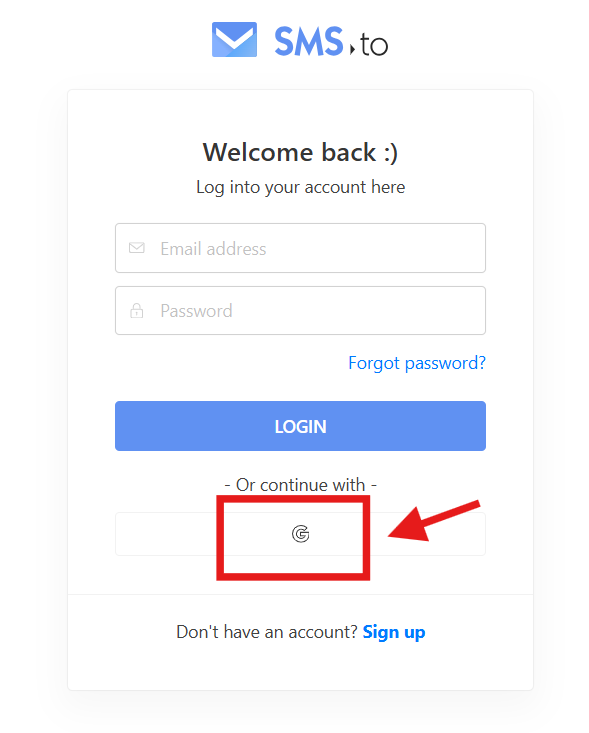
3- If you signed up with Google
On the login page, enter the email address linked to your account, then click the Google icon to reset your password instead.
If you have any questions, please send an email to support@sms.to